
Tutorials
ESA Motion Tutorials
Step-by-step guides to the ESA Motion toolset. Each tutorial is a written walkthrough with the accompanying video, organised by the product it applies to.
FrameDesigner
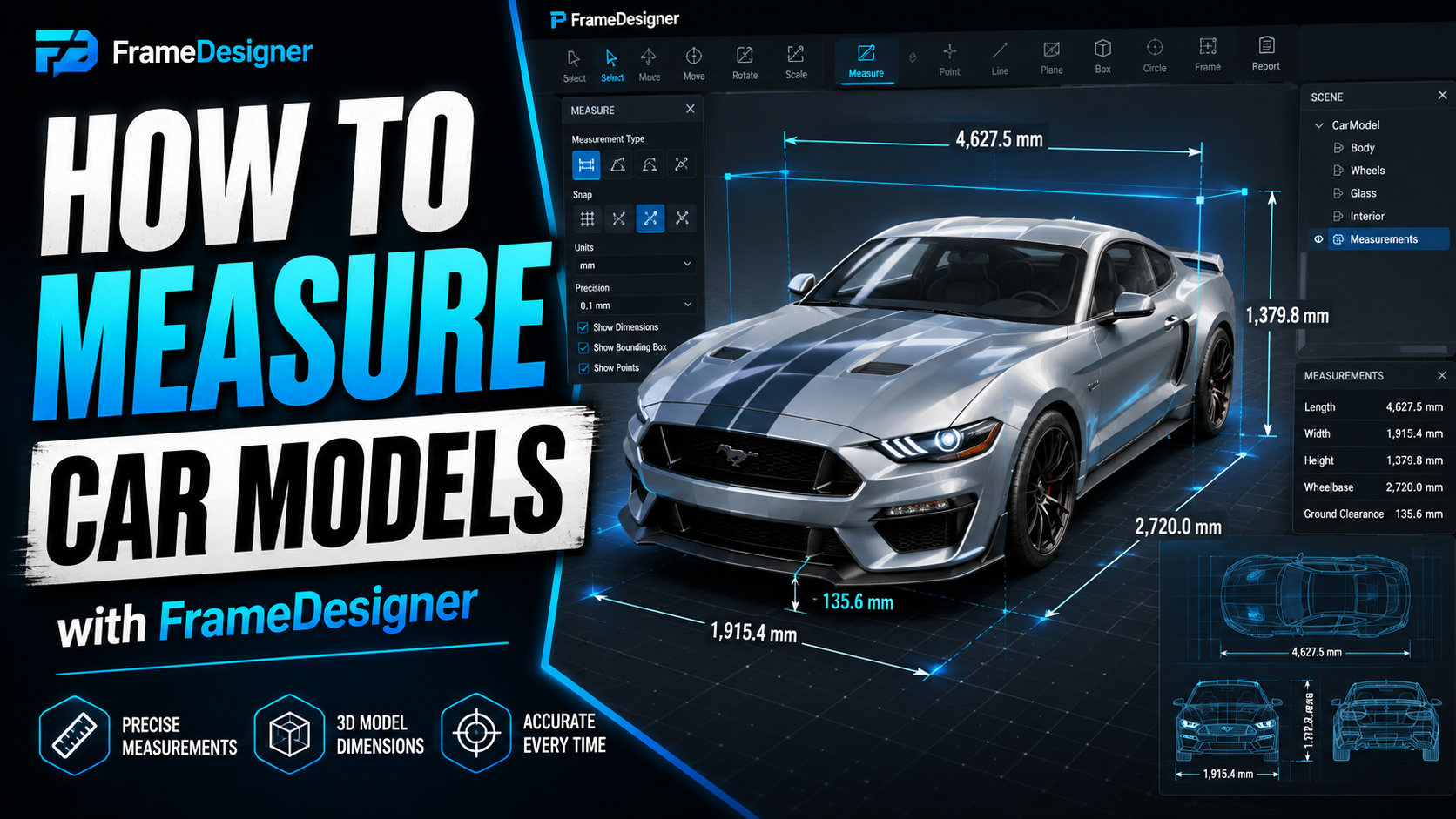
How to Measure an Existing 3D Model Before You Design Around It
Scale, load and measure a reference model correctly. Why a convincing STL can still be dimensionally wrong.
Read tutorial →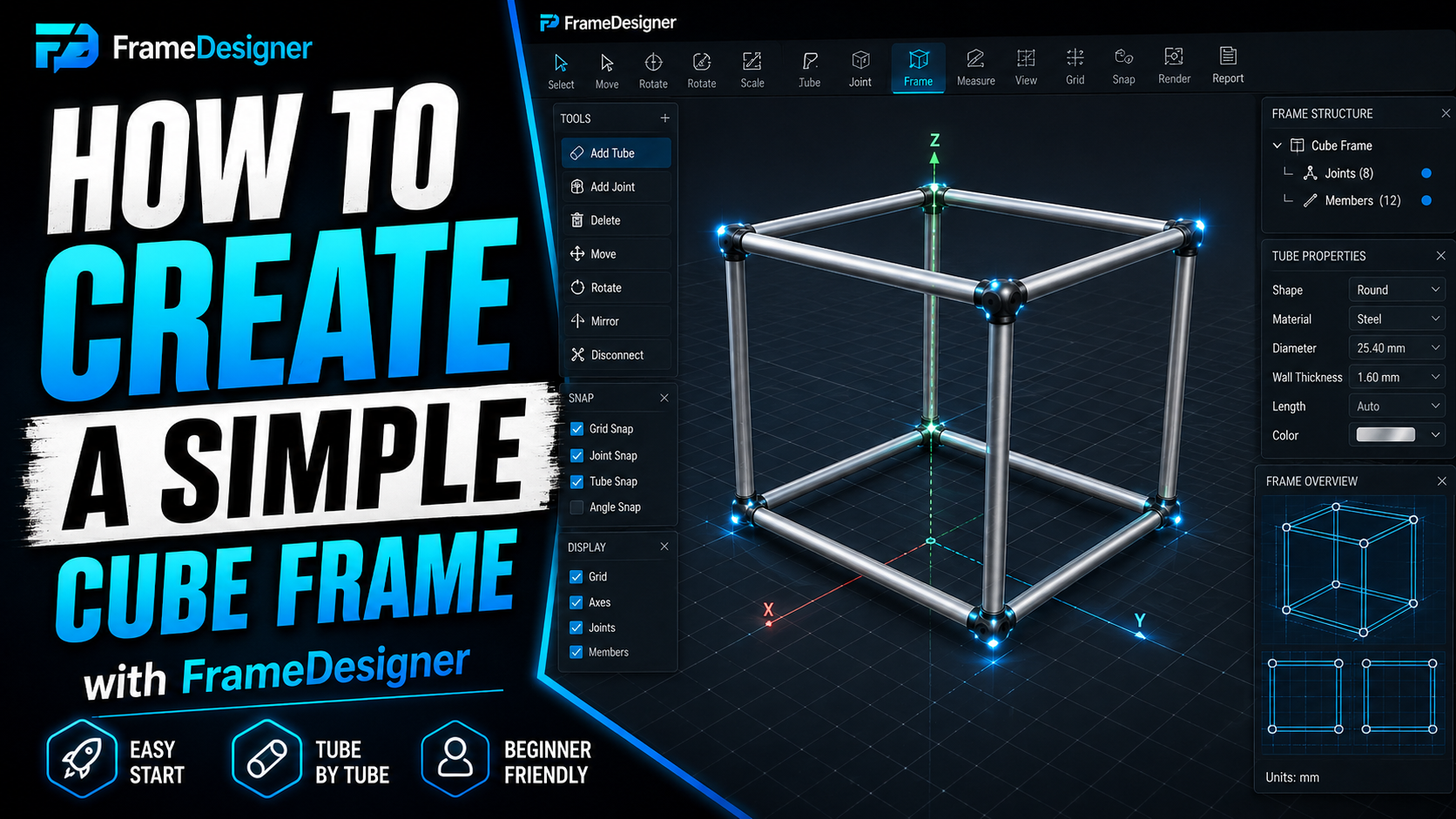
Build Your First Frame: A 1 m Cube From Round Tube
From empty project to fabrication document, using a structure small enough to verify every number by hand.
Read tutorial →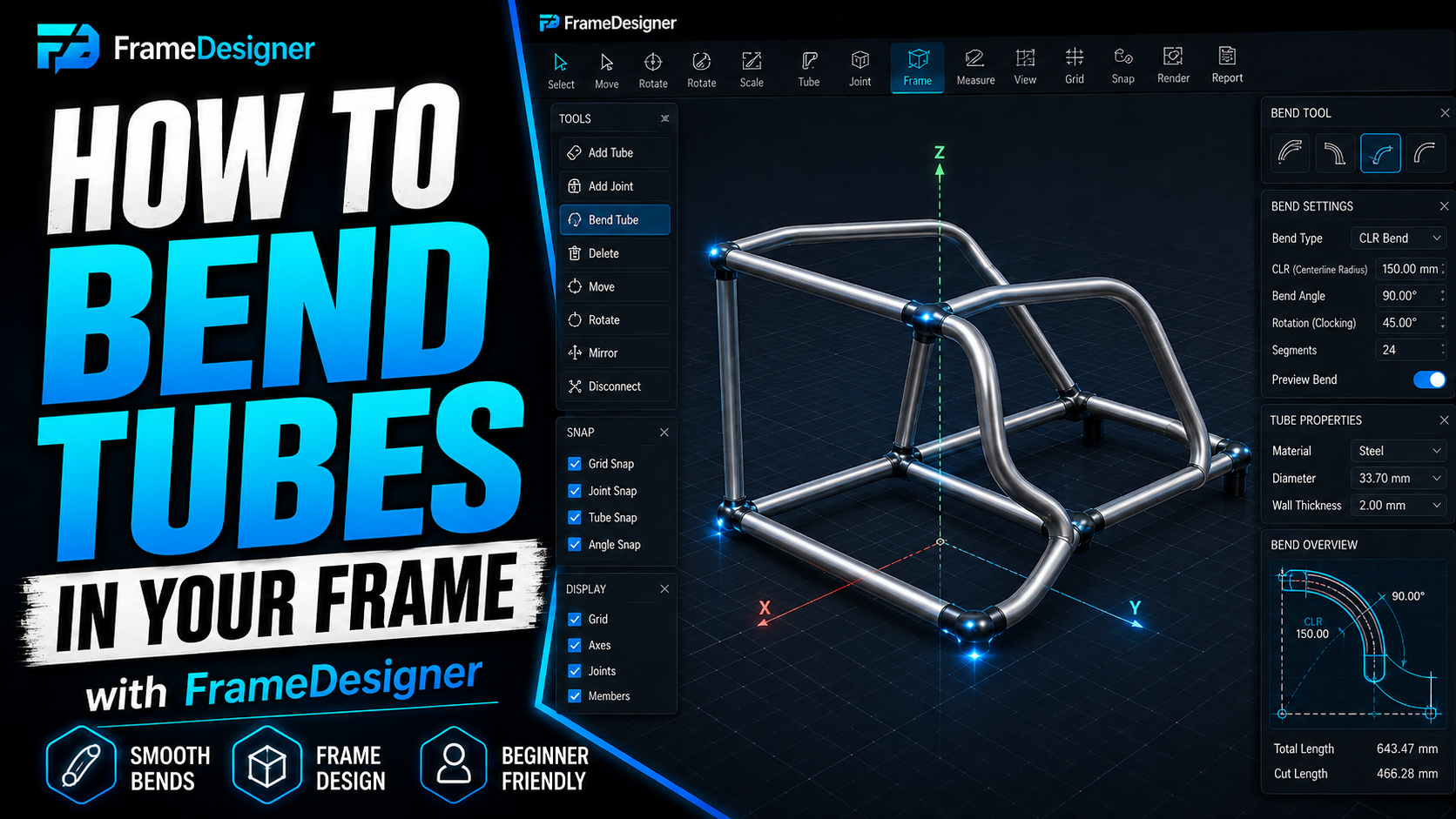
Bending Tubes, Splitting Members and Moving Joints
Centreline radius, developed length, multi-bend members and clocking, plus editing without breaking symmetry.
Read tutorial →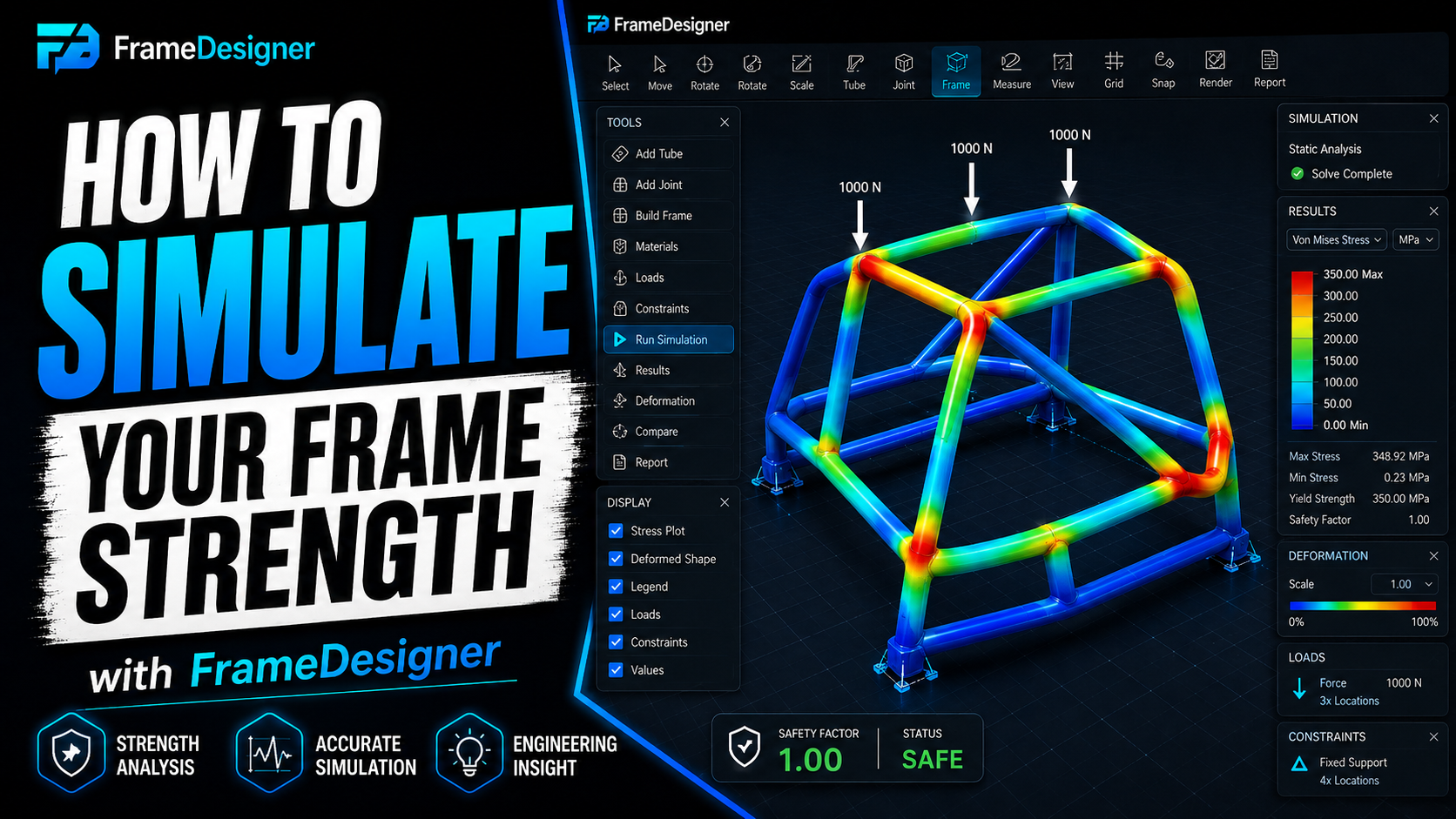
Simulating Frame Stiffness, and What the Results Actually Mean
Set up supports and loads so the answer means something, then fix soft regions with triangulation.
Read tutorial →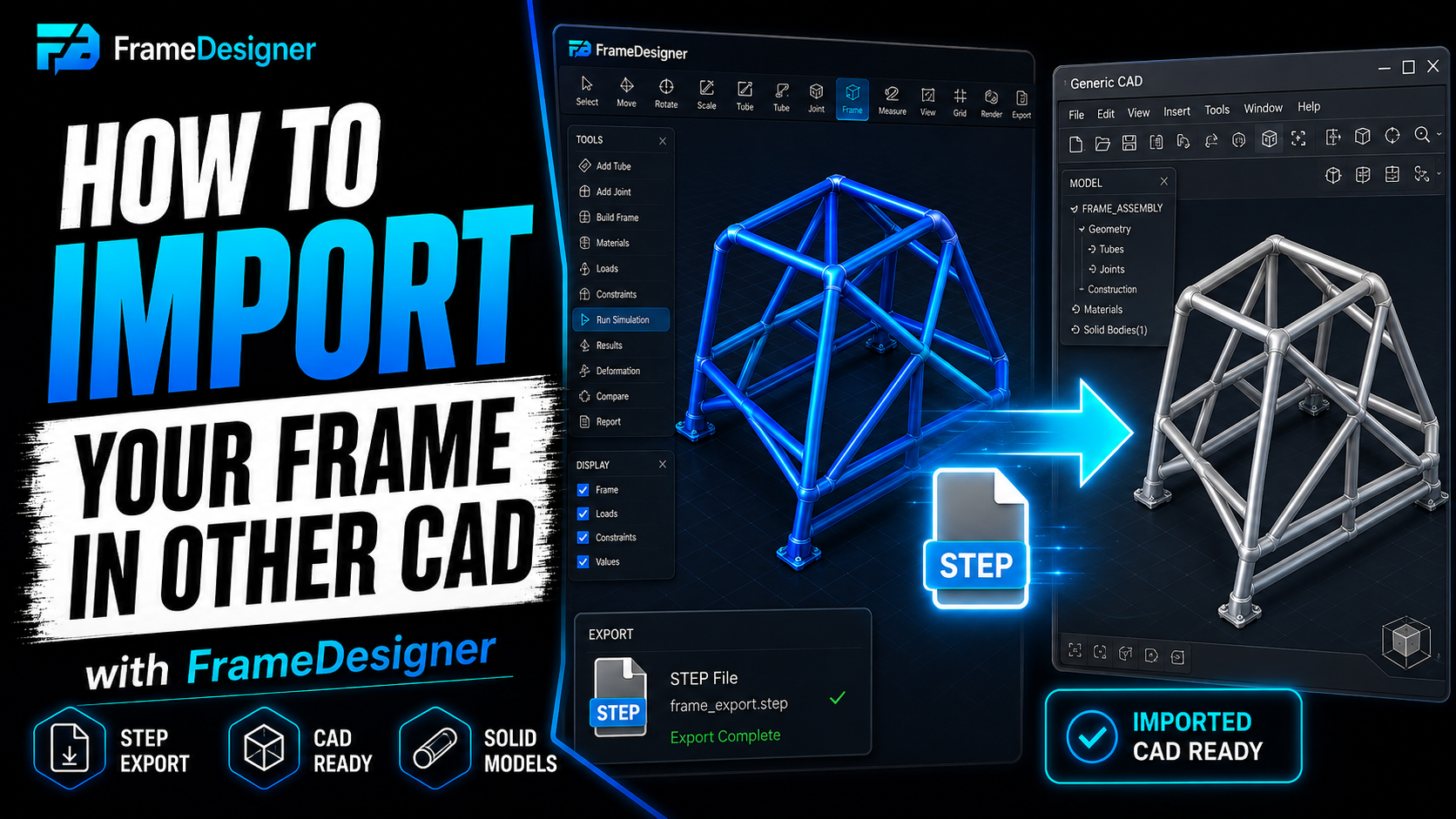
Exporting Your Frame to STEP and Other CAD Formats
Which format to choose, what survives the trip into SolidWorks or Fusion, and how to check the import.
Read tutorial →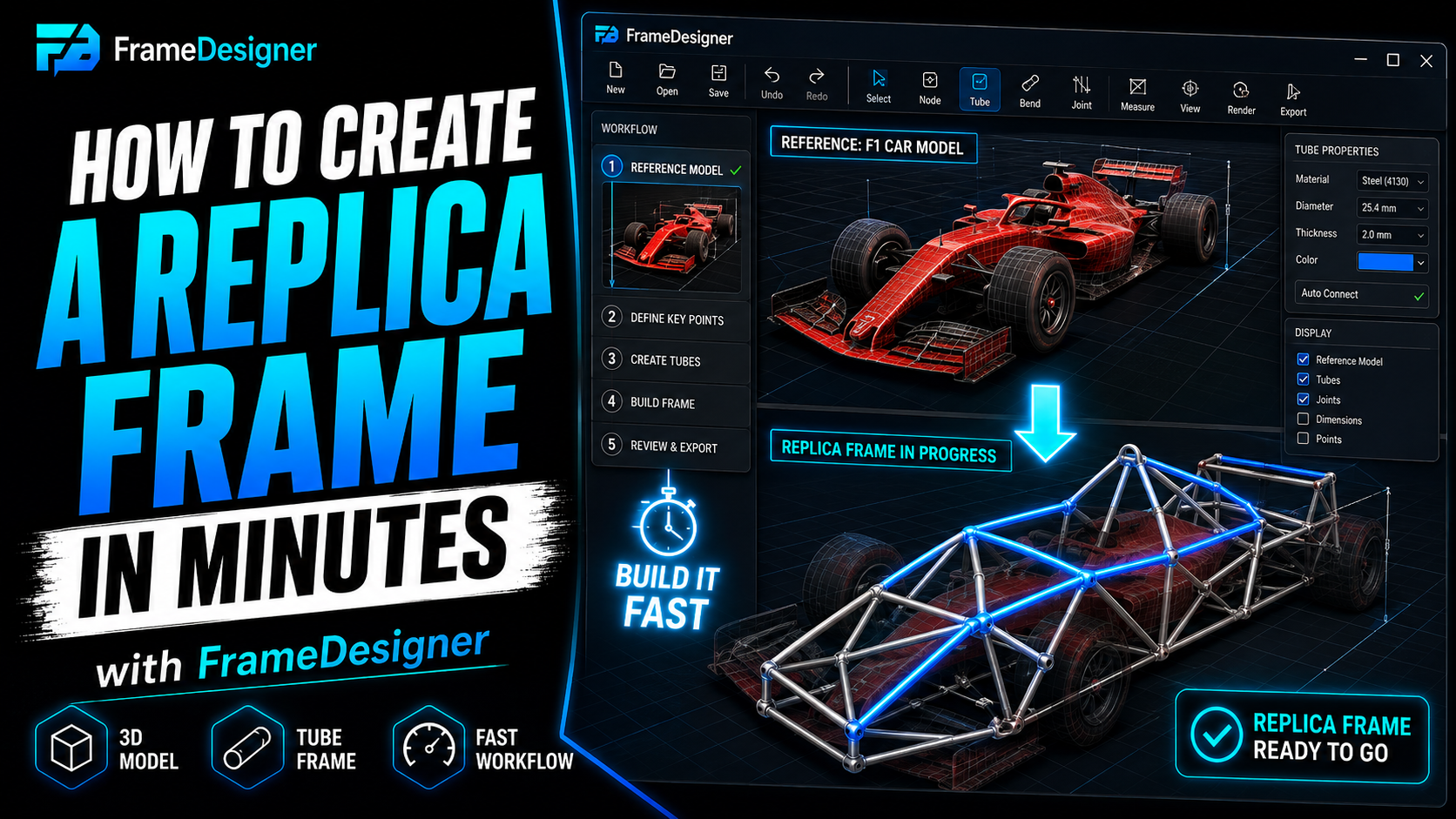
Designing a Replica Chassis: The Whole Workflow Together
Reference models, joint layout, symmetry, bracing and fabrication output in one complete worked example.
Read tutorial →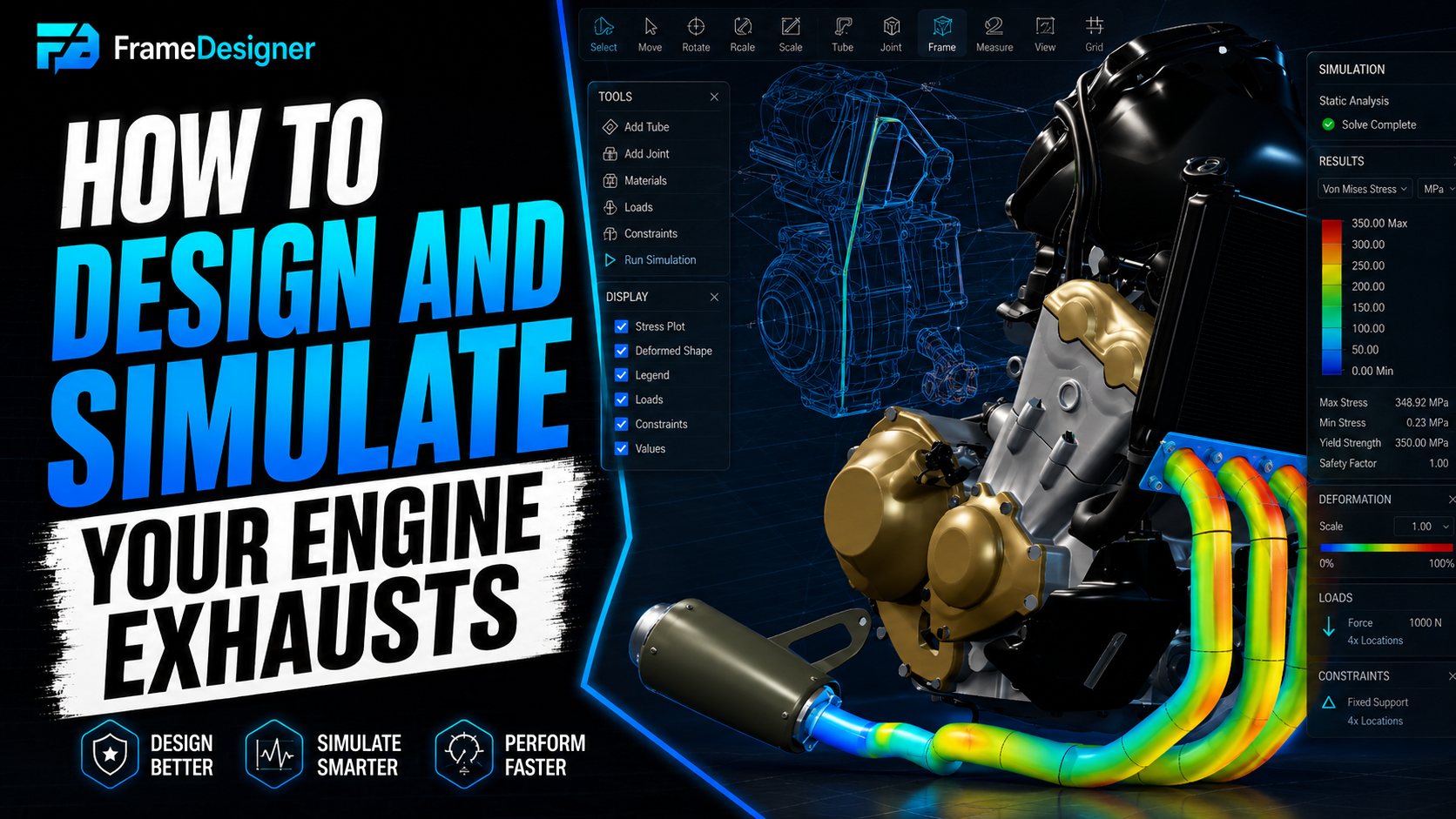
Designing and Simulating Custom Exhaust Headers
Port positions, equal-length primaries, collector design, bend packing and thermal clearance.
Read tutorial →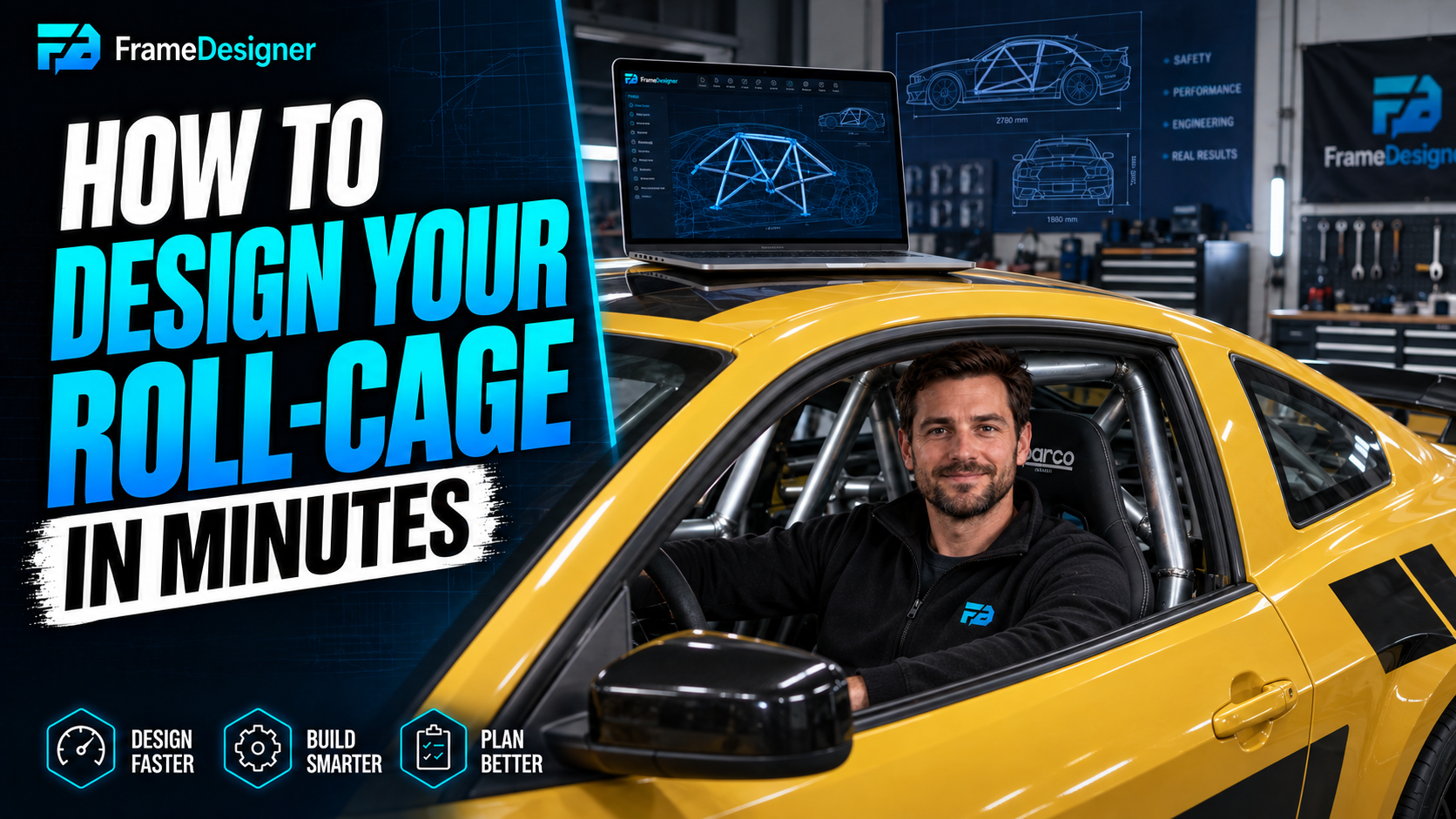
Designing a Roll Cage Around a Reference Vehicle
Main hoop, A-pillar bars, door bars and mounts, with notes on rulebook compliance and build sequence.
Read tutorial →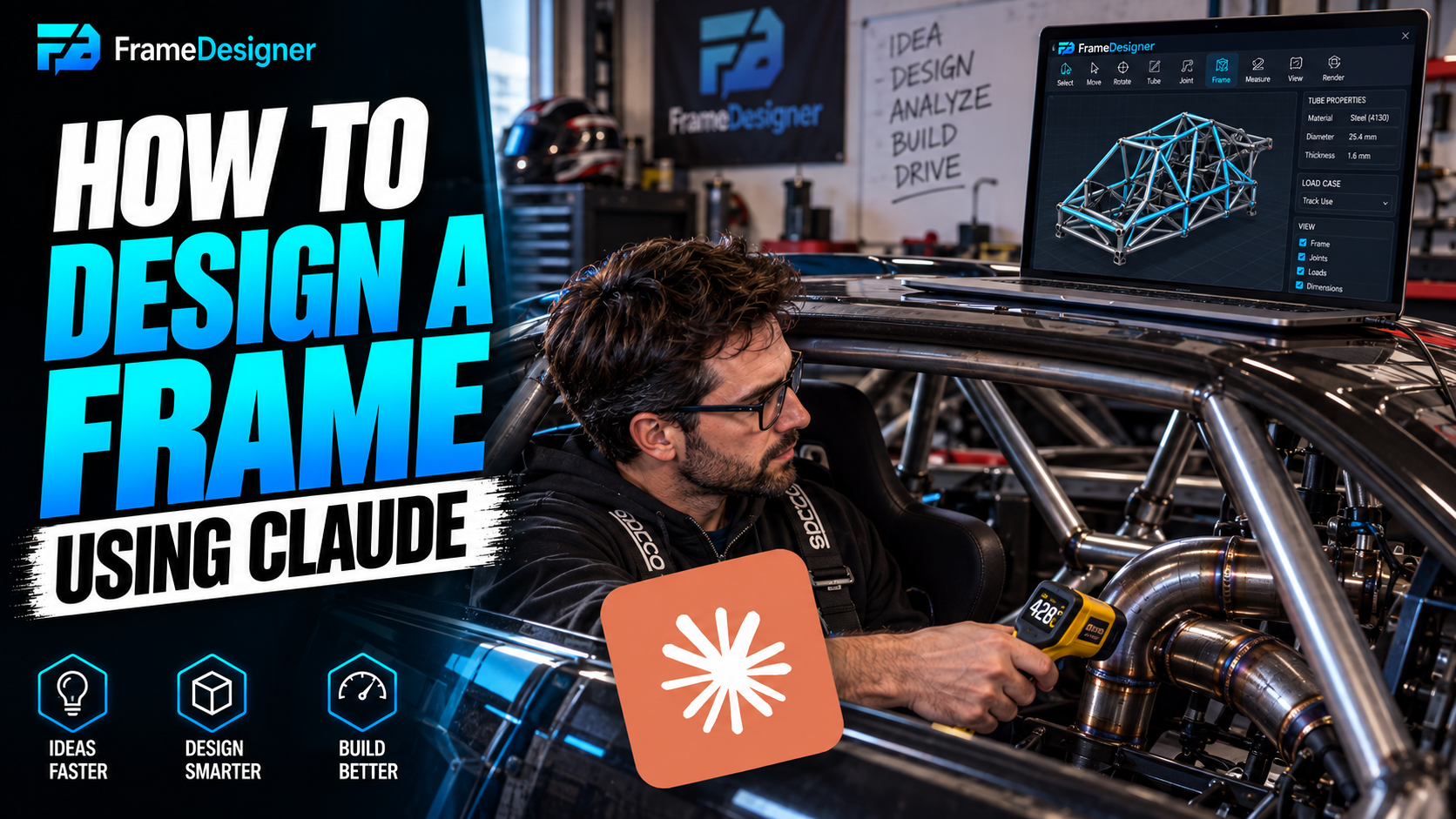
Designing a Frame From a Natural-Language Prompt
Connect an AI assistant to FrameDesigner, turn a description into real geometry, then refine it.
Read tutorial →Set the Suspension Hard Points Before You Draw a Frame
Place pickup geometry as fixed constraints first, verify it against itself, then build structure that reaches it.
Read tutorial →Scanning a Car to Use as a Reference Model
Capture a donor car with a phone, clean and scale the mesh honestly, then design around its real uncertainty.
Read tutorial →