
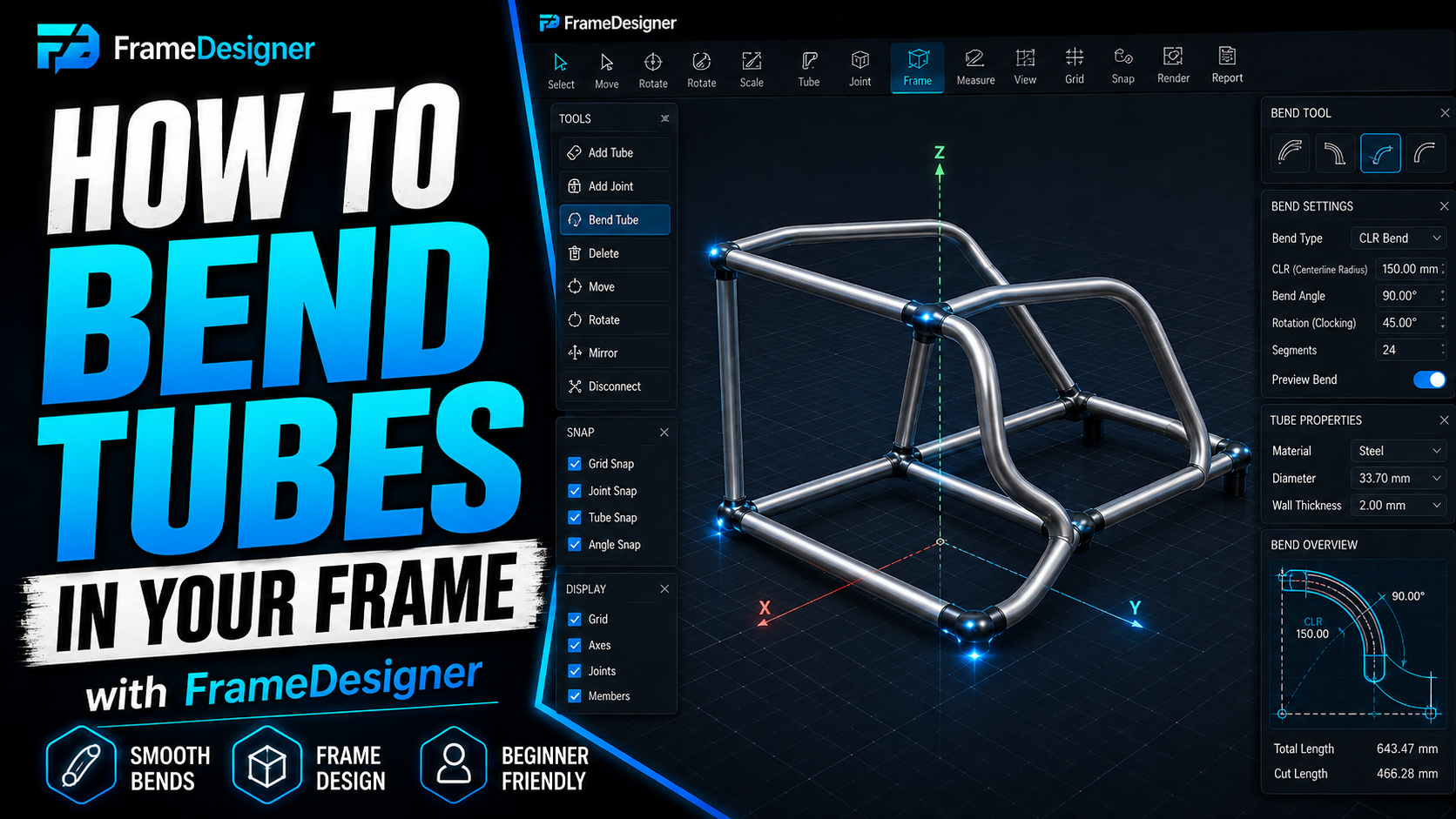
Up to now every member has been straight and every joint has stayed put. Real frames are neither. This one covers the three editing operations you'll spend most of your time in — adding bends, splitting members, and dragging joints around — and what each of them does to everything downstream.
The underlying math is in the four bending numbers, and I'm not going to repeat it here. What matters in the model is which numbers the software is holding for you and which ones it can't.
You don't choose a bend radius
This is the thing people coming from CAD get backwards, so it's worth being blunt.
You do not pick a bend radius the way you pick a fillet. The die in your bender produces one centerline radius, and the design has to live with it. Draw a 150 mm CLR when the only die on the bench is 175 mm and the part cannot be made — not "needs adjusting," cannot be made.
So before you add a single bend: measure a test bend from every die you own, write the real CLR on the die with a paint pen, and enter those numbers. Five minutes, once, and it eliminates a category of problem that has no fix later except redrawing.
Two traps while you're at it. CLR is not the inside radius — add half the OD. And benders get described in D of bend, meaning CLR ÷ OD, so a 3D bend in 44.5 mm tube is roughly 133 mm CLR. Below about 2D the outside wall thins noticeably and you're into mandrel territory.
Two lengths per bent member
A bent member has a chord length and a developed length, and confusing them wastes steel.
Chord length describes where the member sits — the path through its joints. Developed length is how much raw stock it eats: straights plus the arc through every bend. A 90° bend on 150 mm CLR consumes about 236 mm of tube.
FrameDesigner reports developed length per member. That's the number you order against. The theoretical corner, where the two straights would have crossed, sits further out than the arc, which is why a bent member always uses less material than adding up its straight segments suggests.
Multi-bend members and the rotation nobody checks
Add a second bend to a member and you've added two things: the order the bends get made in, and the rotation of each one relative to the last.
That rotation is clocking. If every bend lies in one plane the part is flat and clocking is zero throughout. The moment a member goes out of plane, each bend has to be rotated about the tube axis by a specific angle before you pull it — and getting that angle wrong produces a part where every individual dimension is correct and the thing still doesn't fit.
Clocking errors hide on the bench and are glaring in the car. That's exactly why the software tracks them explicitly instead of leaving you to work it out from the geometry. Read the bend sequence for a multi-bend member as an ordered recipe and follow it in order: bend one to this angle, rotate this far, bend two. Don't improvise the sequence.
Splitting a member
Splitting divides one member in two at a point along its length and creates a joint there.
Use it when something has to attach mid-span — a cross-brace landing halfway along a rail, a gusset position, a mount that wasn't in the original layout. The important part is that you get a real joint rather than a tube touching another tube, which means the notch calculates, the fabrication data updates, and a simulation sees a connection instead of two unrelated members passing near each other.
Moving a joint
Relocating a joint drags every member connected to it. This is where a joint-centred model earns its keep.
Nudge one corner and you update every attached tube, recalculate every notch at that corner, and recompute bend data on any bent member terminating there. You're editing the structure, not maintaining a collection of independent tubes that happen to agree with each other.
The flip side: a small move has wide consequences, and some of them are off screen. After moving a joint on a symmetric structure, go and look at the mirrored side. If you've set up symmetry relations, the two stay in agreement. If you haven't, your frame is now quietly asymmetric and you'll find out when the left-hand door bar doesn't match the right.
Which is the argument for turning symmetry on early rather than retrofitting it. Retrofitting symmetry to a frame that has already drifted is miserable work.
The one number the model can't give you
Springback.
Bend to 90°, release, and you'll have something less. It moves with material, wall, die, machine and heat lot, and no model knows any of that. Bend a test piece, measure what you actually got, overbend by the difference from then on. Three degrees of springback means pulling to 93° to land on 90°.
Keep it on a card per material and die, taped to the bender, and re-test when new stock arrives. The model gives you the geometry you want. Springback compensation is how you get the tube to agree with it.
Comments
Loading comments…