
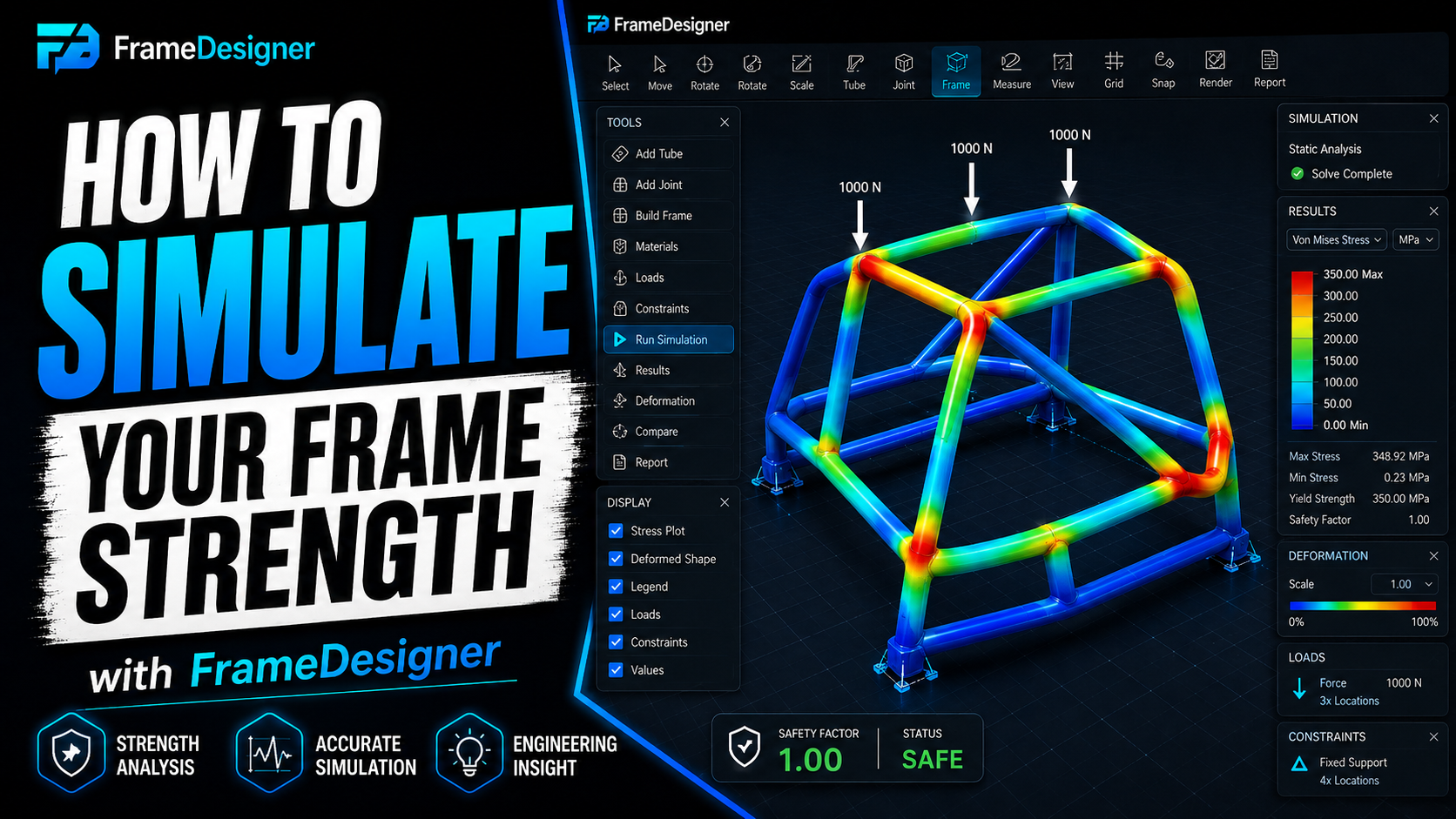
Here's the failure mode to worry about with simulation: it runs clean, produces a beautiful picture, and tells you nothing true. The software will analyse a badly posed problem without complaint and hand you a confident colour plot. Nothing in the result says "your supports were wrong."
So the skill isn't running the analysis. It's setting the thing up so the answer means something, then reading it with the right amount of suspicion.
Supports decide the answer
How you restrain the model matters more than almost any other choice you'll make.
Fully fixing a node removes rotation as well as translation. That's stiffer than any real joint, and over-restraining a structure makes it look better than it is — which is the most dangerous direction for an error to go, because you won't go looking for it.
Think about how the thing is actually held in the case you're representing. A chassis under a torsion test is supported at the rear suspension pickups and loaded at the front, not clamped along a whole rail. A cage being assessed for a roll event is loaded through the roof and reacted at the floor mounts.
Rule I'd hold to: if a result surprises you, go and check the supports before you believe it. Nine times in ten that's where it is. And the direction of the surprise tells you which way to look — a structure that comes out improbably stiff is almost always over-restrained somewhere, because you've accidentally told the solver that a node can't rotate when in reality it's a welded joint in thin tube that absolutely can. A structure that comes out improbably floppy is usually the opposite problem, where a support you meant to apply didn't take, or it's applied to a node that isn't connected to what you think it's connected to. Both are five-minute checks and both are much easier to do before you've spent an afternoon redesigning a bay that was fine.
Load a case you actually care about
Dropping a round number in a convenient direction gives you a number, not information. Decide what you're testing first:
- Torsional stiffness. Opposing vertical forces at the front suspension points, reacted at the rear. The classic chassis benchmark, quoted as torque per degree of twist.
- Bending. Vertical load through the occupant and drivetrain region, supported front and rear.
- Local loads. Force at one mount, to find out whether a bracket is pulling on unsupported tube.
Comparative work is where this earns its keep. The absolute numbers out of any simplified model carry real uncertainty — modelling assumptions, joint idealisation, how you chose to apply the load. But the comparison between version A and version B of your own frame, analysed identically, is solid.
Put it this way. "This brace improved torsional stiffness 22%" is a defensible statement. "This chassis has a torsional stiffness of 4,400 Nm per degree" is a claim resting on assumptions you should not lean a safety decision against.
Fix softness with geometry before steel
Region deflects too much, instinct says bigger tubes. Usually that's the worst option available, because it adds mass everywhere to fix a problem in one place.
Work through the cheap options first.
Triangulate. An unbraced rectangle of welded tubes behaves close to a mechanism — it's a four-bar in everything but the corner welds, and what resists it is the bending stiffness of the members plus whatever the corners contribute. Put a diagonal in and those same four tubes become a truss carrying load axially. Tube is enormously stiffer in tension and compression than in bending, so one well-placed diagonal can transform a panel for the weight of a single member. Best value in structural design, and it's free.
Make load paths go somewhere. A brace has to terminate at a point that is itself supported. A diagonal landing mid-span on an unsupported tube doesn't remove flexibility, it relocates it — and it looks like you fixed something. Follow each load path from where force enters to where it's reacted and find the link that dead-ends.
Node discipline. Where members meet, their centerlines should intersect at a point. Offset centerlines introduce a bending moment at the joint and soften the structure locally even when every individual member is more than adequate. This one is invisible in a render and obvious in the results.
Then section, and only then. If a member really does need to be stiffer, go up in diameter rather than wall. Bending stiffness scales hard with diameter and weakly with wall, so a bigger thinner tube is usually both stiffer and lighter than a smaller thicker one.
What this will not tell you
Be clear about the edges. A frame simulation of this kind models members and joints. It does not know about weld quality, heat-affected zones, material certification, fatigue, or anything that happens after first yield. It does not model progressive collapse, which is the behaviour that actually matters in an impact.
That makes it an excellent design tool and a poor substitute for engineering sign-off. A cage is a life-safety structure; validation, fabrication quality and review by qualified people where the rules require it don't become optional because you ran an analysis.
Used for what it's good at — comparing your own decisions against each other — it'll get you a lighter, stiffer frame than you'd have drawn without it. That's a real return for an afternoon's work.
Comments
Loading comments…