
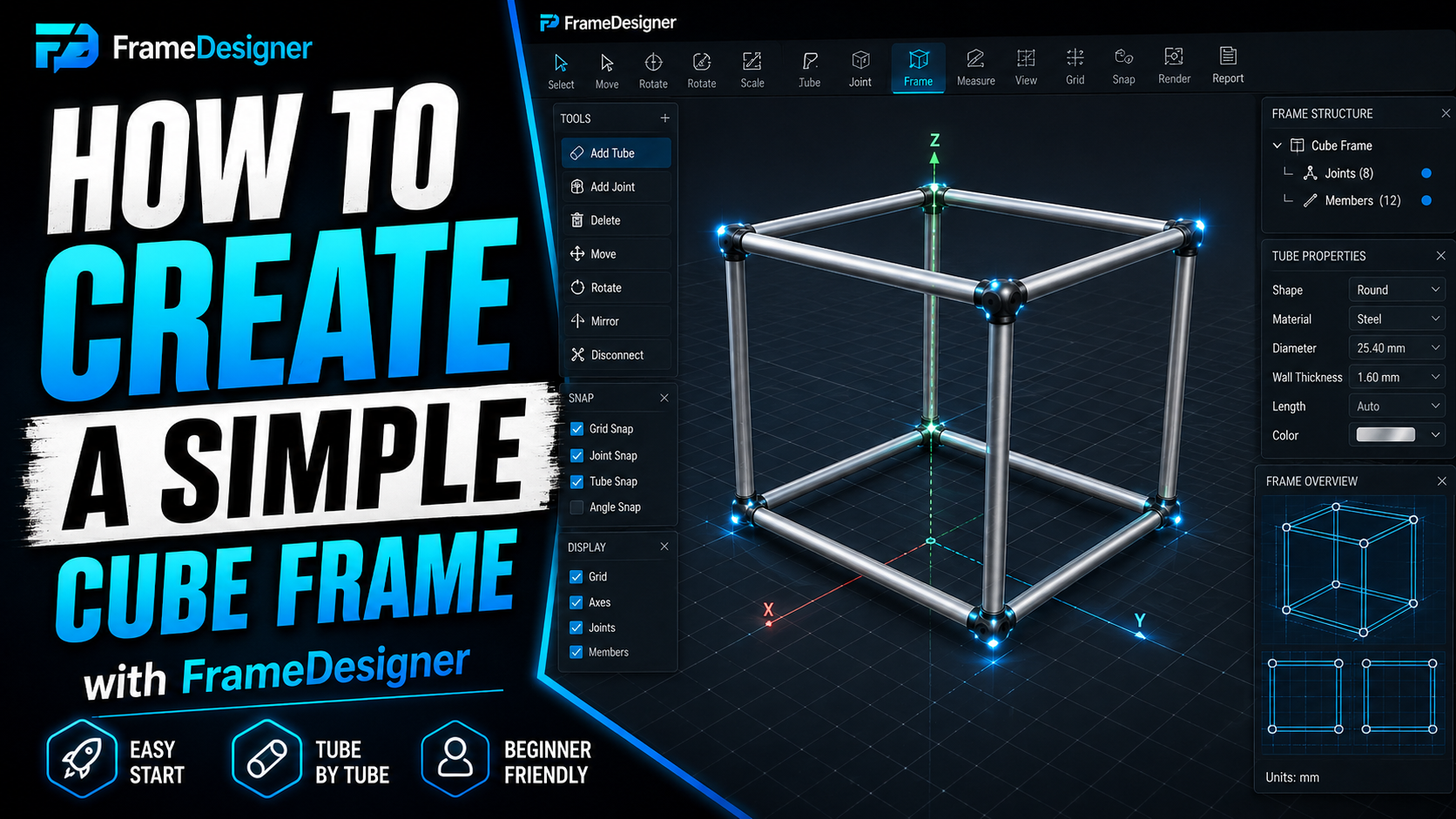
A cube is the smallest thing that teaches the entire workflow. Joints, profiles, notches, cut lengths, and a fabrication document you could hand to someone who's never seen the model. Twelve tubes, an hour, and you'll understand the shape of every frame you build after it.
Joints first
Get in the habit of thinking in joints rather than tubes. A member runs from one joint to another, and the joints are what the software reasons about when it works out how tubes meet.
Place eight joints at the corners of a 1000 × 1000 × 1000 mm box. Work in millimeters, put the first corner on the origin, and the coordinates stay readable: (0, 0, 0) through (1000, 1000, 1000).
Then connect them. Four members round the bottom, four round the top, four verticals between. Twelve members, each nominally 1000 mm joint centre to joint centre.
Note that word nominally. The cube is 1000 mm. No tube will be cut at 1000 mm. Both ends get a notch that removes material so the tube can seat against its neighbour, and the gap between design length and cut length is the single most useful thing this exercise will teach you.
Give it a profile
Assign a tube size. 25 mm OD with 2 mm wall is sensible for a demonstration and keeps the arithmetic easy to check in your head.
Two numbers here get confused constantly, so it's worth separating them.
Outside diameter drives geometry. It sets how deep every notch has to be and where the tube surface actually sits in space. Change OD and every joint on the frame changes.
Wall thickness drives strength and weldability and has almost no geometric effect. Change the wall from 2 mm to 3 mm and your model barely moves.
Worth internalising early, because it's why "just go up a wall size" is a cheap change and "just go up a diameter" is not.
Watch the corners resolve
With profiles on, the joints stop being conceptual. At each corner three tubes meet at right angles, and something has to decide which one runs through and which two get cut to fit around it.
Pause here and look at a few corners. The geometry at a corner isn't symmetric even though the cube is — one member is continuous, the others are notched around it. Change which member hosts the joint and the cuts on the other two change with it.
On a cube it barely matters. On a chassis it matters a great deal, because a member that runs continuously through a joint carries load differently from one that dead-ends into it. This is the first place the software is making a decision you'll eventually want to make yourself.
Read the fabrication data
Open the per-member fabrication information. For each tube you get stock length, chord length, the end-cut operations and a per-cut tolerance.
Check three things against what you'd expect:
- Cut lengths come in under 1000 mm, but not all by the same amount. How much a member loses depends on which tube hosts each corner: one that runs continuously through a joint loses nothing there, while the two cut around it each give up most of a tube diameter. Expect a spread.
- Each notch is a simple half-round, because everything here is at ninety degrees. Angled joints give you asymmetric notches; right angles don't.
- Members hosted the same way agree. Two verticals whose corners resolve identically should match digit for digit. All four won't necessarily match, because host assignment isn't always consistent around the cube — so compare like with like.
That last check is the useful habit. Symmetric structures produce symmetric fabrication data, so a member that disagrees with its mirror — same host arrangement, different numbers — is telling you about a coordinate error you can't see on screen. It catches typos that look perfectly fine in a render.
Export it
Generate the fabrication PDF. You get a tube-by-tube specification: what to cut, how long, what shape each end needs, and in what order to work.
Read it as though you were going to build from it, because that's the actual test of whether it's any good. Look at one member's page. Do you know exactly what to do at the saw and at the notcher without reopening the software? If not, the document isn't finished.
This scales further than you'd think
A roll cage is not conceptually different from this cube. More members, the angles aren't ninety degrees, some tubes are bent. The loop is identical: place joints, connect members, assign profiles, let the joints resolve, read the fabrication data, export.
Bending is what makes real frames harder than cubes, and that's next.
Comments
Loading comments…