
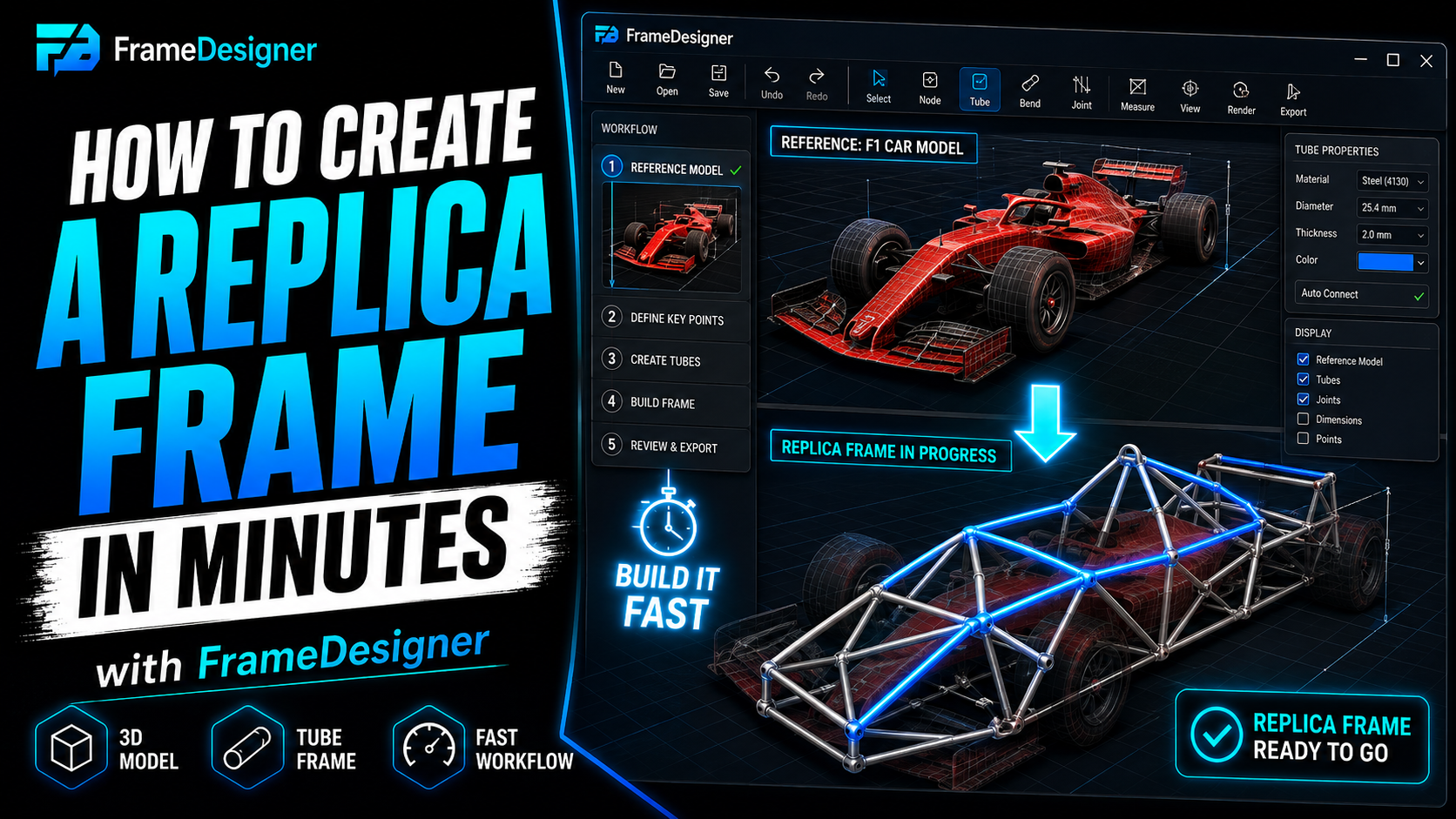
Everything in this series, applied to one structure, in the order it actually happens.
Replicas make a good demonstration because they start from a hard constraint. The car has to look like a specific thing, fit specific bodywork, and usually swallow a drivetrain nobody designed it for. There's rarely a complete drawing set, so the geometry gets derived from whatever reference you can lay hands on.
This walkthrough is deliberately simplified. Don't build it. It's the sequence of decisions, not a design.
Start with what can't move
Before a single tube exists, pin down the fixed points. On a replica they come from three places: bodywork that defines the exterior, drivetrain that has to package inside it, suspension geometry that determines how it drives.
Load the reference models, verify their scale, position them against an origin you chose on purpose. Then record the hard points — suspension pickups, engine and gearbox mounts, rack position, seat and pedal locations, fuel and cooling.
Those constraints are the design. Everything from here is connecting them with tube.
Primary structure, nothing else
Build the main load-carrying members and resist the urge to detail anything. Longitudinal rails, major cross-members at the bulkheads, structure around the occupant.
Work in joints: one at every hard point, one everywhere the structure changes direction, then connect them. What you'll be looking at is sparse and visibly under-braced. That's correct at this stage and you should not fix it yet.
Symmetry now, not later
Almost every vehicle chassis is symmetric about its longitudinal centerline, so establish that relationship as soon as the primary structure exists.
Half the work disappears, and more importantly it stays disappeared. Move a joint and its mirror follows. The two sides can't drift apart over a long editing session, which they absolutely will otherwise — you'll be six hours in, notice the left rail is 3 mm high, and have no idea when that happened.
Retrofitting symmetry to a frame that's already asymmetric is considerably worse than setting it up at the start. Do it now.
Let the simulation place the bracing
Now add diagonals, and let structural behaviour pick the locations instead of guessing. Run a simulation on the primary structure, find the soft regions, triangulate those specifically.
Unbraced frames are soft in predictable places: large rectangular openings in the floor plane, the transition from occupant cell to front structure, and any long rail spanning between supports. Each diagonal should have a job you can state out loud — which load path does this complete? If you can't answer, you're adding weight for decoration.
And land braces somewhere supported. A diagonal terminating mid-span on an unsupported tube relocates the flexibility rather than removing it, while giving you the satisfying feeling of having fixed it. Land at existing joints, or split a member to create a real joint at the landing point.
Corners into bends, where it pays
Geometry settled, go looking for places where two members meet at a shallow angle and one bent tube would be better. Hoops. A rail curving to follow bodywork. Anywhere a weld would sit in a highly loaded region.
Converting a joint to a bend deletes a weld and its heat-affected zone, and it generally looks better. It costs you bending operations and a member that has to be fabricated in the right sequence with the right clocking. So it's a trade, not a free win. Make the swap where the structural or visual benefit is real and leave the rest alone.
Walk it against the references
Before you commit, bring every reference model back and check the frame against all of it. The questions worth asking are the ones that are expensive to answer later:
- Does the bodywork sit over the structure without touching?
- Can the engine and gearbox go in and come out as an assembly?
- Does the suspension clear through full travel and full lock, not just at ride height?
- Can a person get in and out, with a helmet on?
- Can you reach the things that need servicing?
Every one of those has cost somebody a cut-and-reweld. The suspension one catches people most often, because static clearance looks generous right up until you articulate it.
Fabrication package
Generate the output: per-member cut lengths, bend data, notch information, fabrication order, notch templates.
Read the fabrication order properly on a frame this size. Build sequence isn't arbitrary — some joints become physically unreachable once their neighbours are in place, and the proposed order accounts for that. Following it is cheaper than discovering the problem with a torch in your hand and a tube you can't get a tungsten behind.
Standing caveat, and it carries real weight on a chassis: the software gets you to a buildable design quickly. Validation, material certification, weld quality and professional review where required are still yours.
Comments
Loading comments…